TL;DR:
- Supporting thousands of users and devices requires deliberate campus network design and continuous measurement.
- A three-tier architecture with redundancy ensures scalability, resilience, and efficient data flow.
- Effective management, planning, and stakeholder input are essential for high-performance, future-proof networks.
Modern campus networks are far more complex than a simple Wi-Fi deployment across a few buildings. Supporting thousands of concurrent users, hundreds of connected devices per subnet, and a mix of research, teaching, guest, and IoT traffic demands a level of precision that most institutions underestimate. Well-designed campus networks achieve 99.5% uptime while sustaining thousands of simultaneous connections, but reaching that standard requires deliberate architecture, proven methodologies, and continuous measurement. This article breaks down the key architectures, common challenges, and practical strategies that define high-performing campus connectivity.
Table of Contents
- What is a campus network? Key features and core challenges
- Campus network architecture explained: The three-tier model
- Design methodologies and best practices for campus networks
- Practical solutions for common campus network pain points
- Measuring success: Metrics and benchmarks for campus networking
- What most campus network plans miss (and why it matters)
- How Re-Solution can elevate your campus network
- Frequently asked questions
Key Takeaways
| Point | Details |
|---|---|
| Three-tier architecture | Dividing networks into access, distribution, and core layers enhances efficiency and reliability. |
| Redundancy matters | Designing with backup paths and devices minimises downtime during failures. |
| Practical design | Addressing user density, guest access, and device onboarding is key to real-world performance. |
| Continuous metrics | Regularly monitoring uptime, throughput, and packet loss informs better campus network decisions. |
What is a campus network? Key features and core challenges
A campus network is a multi-building, high-density communications infrastructure designed to connect students, staff, researchers, and guests across a defined geographical area such as a university, college, or school estate. Unlike a standard office network, a campus environment must simultaneously support academic openness and strict security, often within the same physical space.
The defining features of a campus network include:
- Large scale: Potentially thousands of users and tens of thousands of devices active at any one time
- Multi-building integration: Wired and wireless connectivity spanning lecture halls, libraries, residences, and administrative offices
- High device and user density: Peaks during registration periods, examinations, and large events
- Diverse access requirements: Staff, students, researchers, guests, and IoT systems each needing different levels of access and security
These characteristics create a distinctive set of challenges. Campus networks must handle high user density, rapid authentication, and device diversity, often simultaneously. During peak periods, institutions can face upwards of 30,000 authentication requests per hour, placing enormous pressure on identity and network access management systems.
Real-world scale: A mid-sized university campus can process over 30,000 device authentications per hour during the start of term, with simultaneous demands from BYOD laptops, IoT sensors, VoIP handsets, and research equipment.
The tension between academic openness and security is particularly acute. Institutions must provide flexible, accessible connectivity to support learning and research while protecting sensitive data and complying with regulatory requirements. A cloud networking case from West London Academy illustrates how modern institutions are resolving this tension through scalable, cloud-managed infrastructure.
Understanding these challenges is the essential starting point for any campus network design project. Without acknowledging the scale and complexity involved, even well-funded deployments can fall short of expectations.
Campus network architecture explained: The three-tier model
The most widely adopted framework for campus network design is the three-tier hierarchical model. Campus networks typically use a three-tier architecture: access, distribution, and core, and each layer serves a distinct purpose in delivering scalable, resilient connectivity.
| Layer | Core function | Typical technologies | Example devices |
|---|---|---|---|
| Access | Connects end devices to the network | Layer 2 switching, PoE, 802.1X | Cisco Catalyst 9200, 9300 |
| Distribution | Aggregates access switches, applies policy | Layer 3 routing, VLANs, QoS | Cisco Catalyst 9400 |
| Core | High-speed backbone between distribution blocks | 10G/100G switching, OSPF, redundancy | Cisco Catalyst 9500, 9600 |
The access layer is where end users connect, whether via Ethernet or wireless access points. It handles device onboarding, port security, and Power over Ethernet (PoE) for IP phones and access points. The distribution layer aggregates multiple access switches, enforces routing policies, and applies quality of service (QoS) rules to prioritise traffic types. The core layer provides the high-speed backbone that interconnects distribution blocks and links to the data centre and internet uplinks.
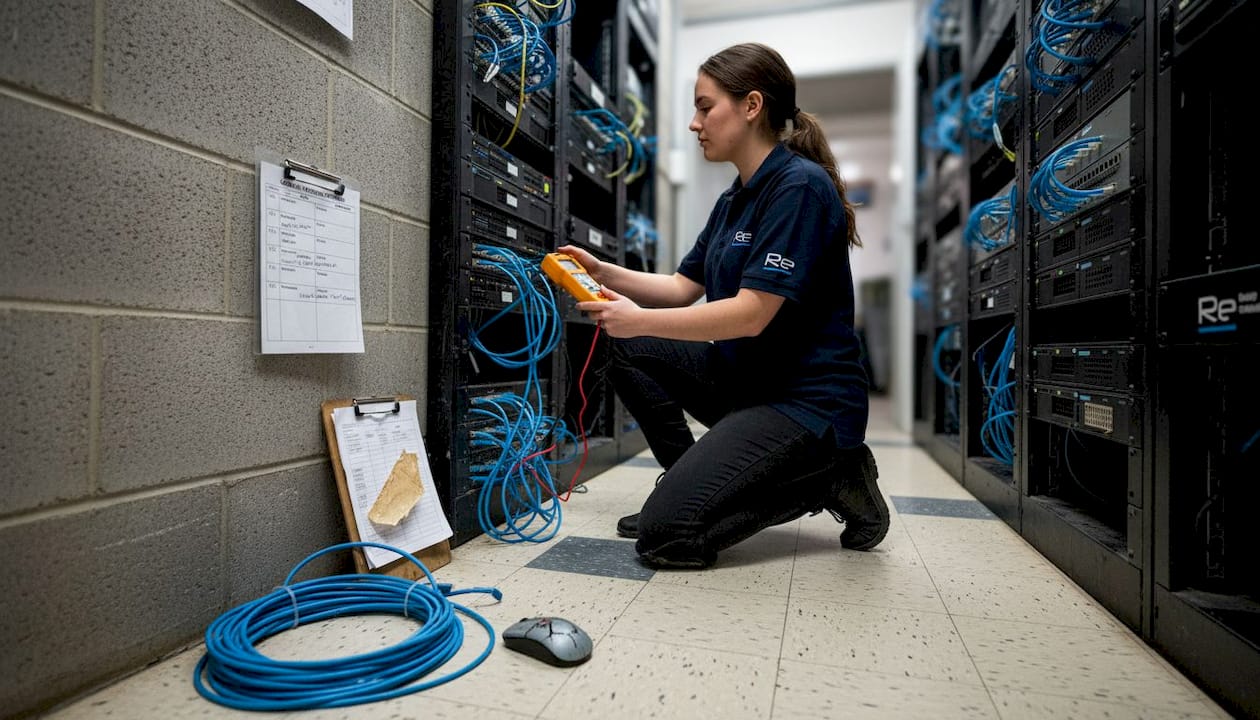
Data flows upward from access to core during ingress and downward during egress, with redundant links at each tier ensuring no single point of failure disrupts the entire campus. This is where the network backbone benefits of modern Cisco Catalyst platforms become tangible, particularly in supporting 10G and 100G uplinks between tiers.
Pro Tip: The most common failure point in campus network design is insufficient redundancy between the distribution and core layers. If a single distribution switch failure can isolate an entire building, the design has not accounted for real-world resilience. Always plan for dual uplinks with automatic failover at every tier.
The three-tier model scales effectively from a small secondary school to a large multi-campus university, making it the architecture of choice for educational institutions of all sizes.
Design methodologies and best practices for campus networks
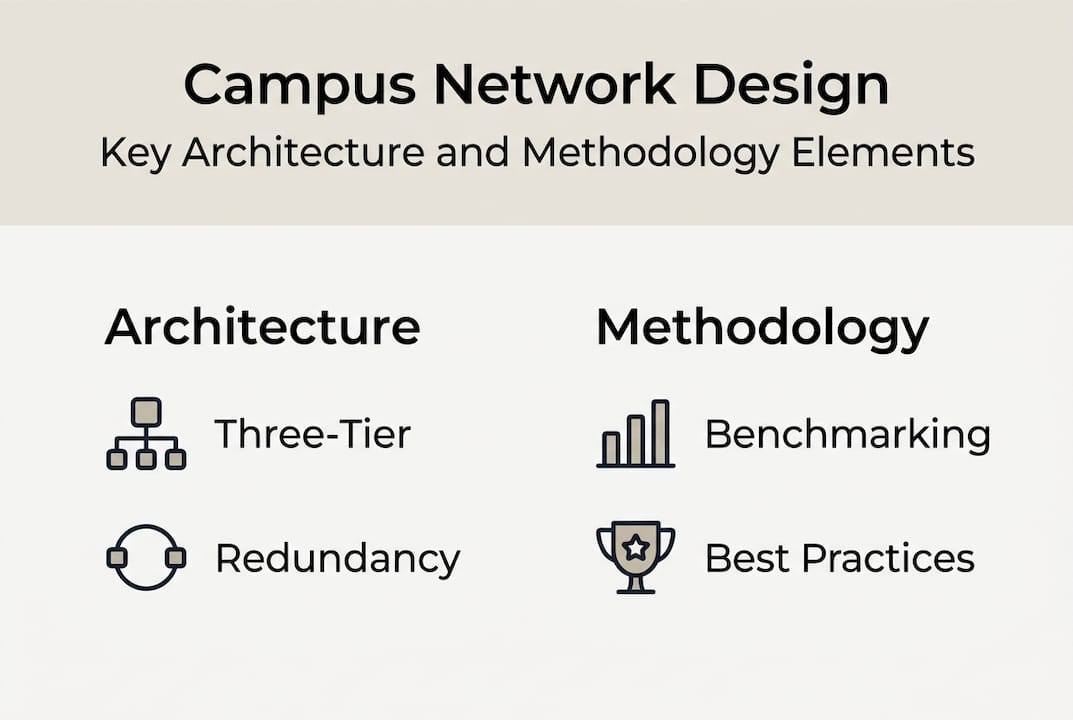
Architecture defines the structure, but methodology determines whether a campus network performs under real-world conditions. Key methodologies include hub-and-spoke topology, Layer 3 routing at core, Layer 2 switching at edge, and redundancy with VSX/mLAG, each addressing specific performance and resilience requirements.
Topology comparison
| Topology | Pros | Cons | Best use case |
|---|---|---|---|
| Hub-and-spoke | Simple, cost-effective, easy to manage | Single point of failure at hub | Smaller campuses, limited budget |
| Full mesh | Maximum redundancy, no single failure point | High cost, complex configuration | Large research universities |
| Ring | Good redundancy, moderate cost | Slower failover than mesh | Mid-sized campuses with linear geography |
For most educational institutions, a hub-and-spoke design with redundant uplinks at the core offers the best balance of cost and resilience. Routing protocols such as OSPF (Open Shortest Path First) and ECMP (Equal-Cost Multi-Path) at the core layer ensure efficient traffic distribution and fast convergence during link failures.
Five essential steps for resilient campus network design:
- Choose the right topology based on campus size, geography, and budget constraints
- Plan IP addressing carefully using structured subnetting to support VLANs, guest networks, IoT segments, and management interfaces
- Implement redundancy at every tier with dual uplinks, mLAG or VSX configurations, and automatic failover protocols
- Secure guest and research access through dedicated SSIDs, dynamic VLAN assignment, and policy-based access control
- Monitor performance continuously using SNMP, NetFlow, and application-aware monitoring tools
Spanning Tree Protocol (STP) optimisation is also critical. Placing the root bridge at the distribution or core layer, rather than allowing it to be elected randomly, prevents suboptimal traffic paths and reduces convergence times during topology changes. These secure design examples and secure network architectures demonstrate how structured design choices translate into measurable performance gains.
Practical solutions for common campus network pain points
Even well-architected networks face day-to-day operational challenges. Campus networks must balance global roaming, guest access, IoT support, and high-speed Wi-Fi in dense settings, and each of these demands a specific operational response.
The most frequent pain points on campus networks include:
- Authentication surges at the start of term or during large events, overwhelming RADIUS servers
- Guest and research user flows that require internet access without exposing internal systems
- Device onboarding complexity for BYOD laptops, tablets, and IoT sensors with varying security postures
- Wireless interference in high-density lecture theatres and open-plan study spaces
Practical solutions that address these issues directly:
- Segment SSIDs by user type (staff, student, guest, IoT) to apply appropriate policies and reduce broadcast domain size
- Implement capacity planning using historical data to anticipate peak load and pre-provision bandwidth accordingly
- Deploy dynamic bandwidth management to prevent individual users or devices from monopolising shared resources
- Apply targeted access policies using 802.1X and MAC Authentication Bypass (MAB) for devices that cannot support certificate-based authentication
Pro Tip: Deploy eduroam with dynamic VLAN assignment to give authenticated users seamless roaming across buildings while automatically applying the correct network policy. This eliminates the need for manual VLAN configuration per location and significantly reduces helpdesk calls from users who cannot connect in different parts of campus.
Empirical benchmarks from research environments confirm that well-designed campus wireless networks deliver speeds of 50 to 120 Mbps per user in lecture settings, maintain 99.5% uptime, and achieve zero packet loss even during peak authentication periods. Effective network access management for schools and a robust network access controller are central to achieving these results consistently.
Measuring success: Metrics and benchmarks for campus networking
Investment in campus network infrastructure is only justified when performance can be measured and communicated clearly. Empirical benchmarks include 99.5% uptime, 0% packet loss at peak, 100G SDN, and 250 endpoints per subnet, providing a concrete reference point for what excellence looks like.
| Metric | Typical value | Best-in-class value |
|---|---|---|
| Network uptime | 98.5% | 99.5% or above |
| Packet loss at peak | 0.5 to 1% | 0% |
| Wireless throughput | 30 to 50 Mbps per user | 50 to 120 Mbps per user |
| Endpoints per subnet | 100 to 150 | 250 |
| Authentication time | 3 to 5 seconds | Under 2 seconds |
To collect and use these metrics effectively:
- Deploy network monitoring tools such as Cisco DNA Centre or SolarWinds to capture real-time and historical performance data
- Set baseline measurements during low-traffic periods to establish a reference point for comparison during peaks
- Review per-building and per-SSID metrics separately to identify localised issues before they escalate
- Conduct regular reviews with stakeholders to translate technical data into business outcomes such as reduced helpdesk tickets and improved user satisfaction
A common pitfall is focusing exclusively on uptime percentages while ignoring user-level experience. A network can report 99.5% uptime while users in a specific lecture theatre consistently experience slow speeds or failed authentications. The infrastructure checklist available from Re-Solution helps IT teams align technical metrics with real-world user outcomes.
What most campus network plans miss (and why it matters)
Most campus network strategies are built around technology layers: which switches, which access points, which routing protocol. These decisions matter, but they are rarely the reason a network underperforms. The more common cause is a lack of governance, cross-team planning, and long-term adaptability built into the design from the outset.
Networks designed in isolation by IT teams, without input from academic departments, facilities management, or senior leadership, tend to solve today’s problems while creating tomorrow’s constraints. A new building added without consulting the network team, or a research project that suddenly demands dedicated bandwidth, can expose gaps that no amount of hardware can fix retrospectively.
Measuring only uptime also creates a false sense of security. A network that is technically available but poorly segmented, under-monitored, or difficult to troubleshoot will frustrate users and erode trust in IT services over time. The secure design perspectives that endure are those built with stakeholder input, documented governance, and a clear upgrade path. Future-proofing and user engagement are not soft considerations. They are structural requirements for any campus network that needs to remain fit for purpose beyond its initial deployment.
How Re-Solution can elevate your campus network
Building a campus network that consistently delivers on the benchmarks and methodologies outlined above requires both technical expertise and practical experience across real educational environments.

Re-Solution brings over 35 years of Cisco infrastructure experience to campus network projects, from initial surveys and audits through to full deployment and ongoing managed services. Whether you are planning a new network from scratch or modernising an existing estate, our team can assess your current infrastructure and design a solution that scales with your institution. Explore network as a service options or review our IT infrastructure explained resource to understand how a structured approach translates into lasting campus connectivity.
Frequently asked questions
What is a three-tier campus network architecture?
A three-tier campus network uses access, distribution, and core layers to optimise connectivity, scalability, and performance across multi-building environments.
How can campus networks support high-density wireless environments?
Designs use segmented SSIDs, dynamic bandwidth management, and optimised access point placement to sustain strong connectivity for thousands of simultaneous users, achieving speeds of 50 to 120 Mbps in lecture settings.
Why is redundancy critical in campus network design?
Redundancy via VSX/mLAG/SSO ensures continued operation by providing alternative data paths when equipment fails, preventing a single device failure from taking down an entire building or campus zone.
What benchmarks define a high-performing campus network?
Top networks deliver 99.5% uptime, zero packet loss at peak load, and support up to 250 endpoints per subnet, with authentication times consistently under two seconds.
Recommended
- Secure network design: proven examples for robust protection
- Best Practices for Network Design Explained | Re-Solution
- Clear Strategies to Tackle Network Infrastructure | Re-Solution