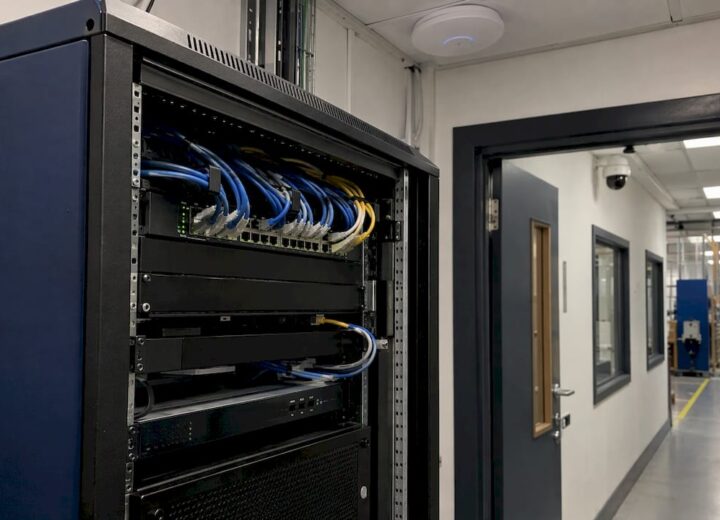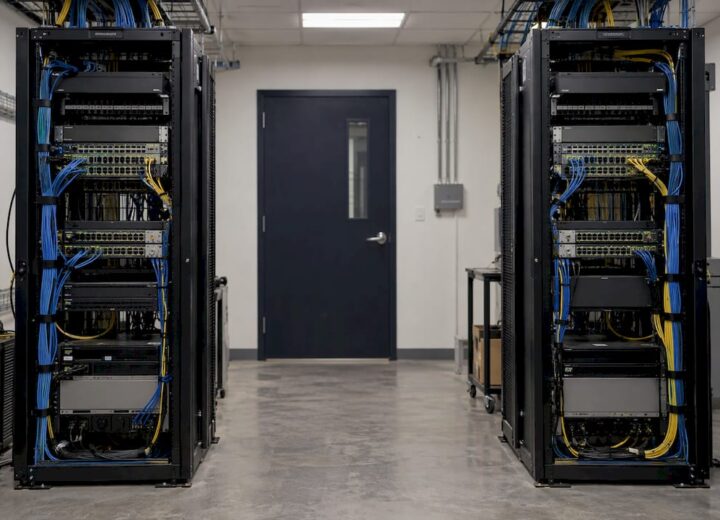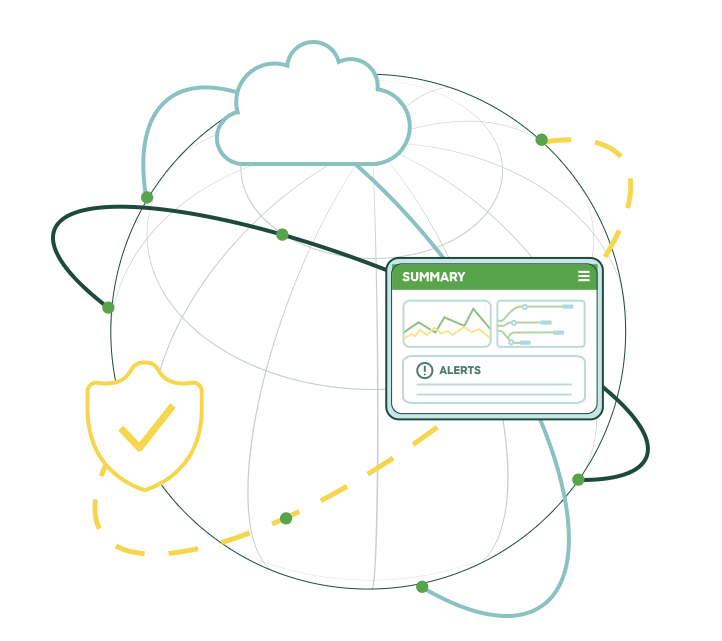
A Wi-Fi 6E access point (AP) needs a multigig wired connection (2.5, 5 or 10 Gbps) wherever the radios can carry more traffic than a single 1 Gbps cable can take away. In dense, busy areas such as lecture theatres, open-plan floors and hotel conference suites, that is increasingly the case. Elsewhere, such as racking aisles where most devices still use 2.4 GHz, a 1 Gbps port can be enough. The decision comes down to measured client density, cable quality and the power budget of the switch, not to the Wi-Fi standard alone.
This guide is written for IT directors and operations managers in education, manufacturing, logistics, hospitality, shared workspaces and housing. It explains what multigig means, where the 1GbE ceiling bites, what to check in cabling and power, and how to decide area by area.
TL;DR
- Multigig means Ethernet ports that run at 2.5, 5 or 10 Gbps over standard twisted-pair cabling, so a Wi-Fi 6E AP is not capped by a 1 Gbps uplink.
- Cisco Live EMEA test data shows a 5 Gbps AP uplink delivering 2.88 Gbps of UDP throughput, against 950 Mbps on a 1 Gbps uplink.
- Cat6 or Cat6a cabling and 802.3bt (60 W) PoE are what Cisco specifies for full capability on its Wi-Fi 6E AP.
- Plan by area: high-density spaces gain most, and switch lifecycles are far longer than AP lifecycles, so buy the port speed for the next refresh.
- A wireless survey and a cabling and switch audit before purchase show where multigig is needed and where it is not.
Table of Contents
- What multigig means for a Wi-Fi 6E access point
- Why a 1GbE uplink limits a Wi-Fi 6E access point
- Cabling and power: what multigig needs underneath
- Do you need multigig? Assess by area, not by site
- What this means in each sector
- A worked example
- Common mistakes to avoid
- How Re-Solution supports a multigig Wi-Fi 6E project
- FAQ
- Sources
What multigig means for a Wi-Fi 6E access point
Multigig (also written mGig or multi-gigabit) refers to Ethernet speeds of 2.5 and 5 Gbps, usually alongside 10 Gbps, on ordinary copper cabling. The 2.5GBASE-T and 5GBASE-T speeds were added to the IEEE 802.3bz standard in 2016 specifically so that new Wi-Fi generations could be connected over copper cable without a move to fibre.
Wi-Fi 6E is Wi-Fi 6 extended into the 6 GHz band. The AP has three radio bands (2.4, 5 and 6 GHz) instead of two, and the 6 GHz band offers wide, uncongested channels that only 6E-capable devices can use. In the UK and Europe, the approved 6 GHz range is 5925 to 6425 MHz, 500 MHz in total, compared with 1,200 MHz in the US. That is room for roughly three non-overlapping 160 MHz channels, so channel planning matters more here than it does in North American guides.
The multigig question follows from the radio design. Three radios working at once can generate more traffic than one gigabit cable carries. The AP’s port is the single path between all of those radios and the rest of your network.
Why a 1GbE uplink limits a Wi-Fi 6E access point
A 1 Gbps port can carry about 950 Mbps of real traffic once protocol overhead is deducted. A Wi-Fi 6E AP serving several clients on 160 MHz channels can exceed that.
Cisco’s own measurements show the effect. A Cisco Live EMEA 2024 technical session recommends an mGig switchport for Wi-Fi 6 and 6E APs because AP speed may exceed 1 Gbps. Its test compared uplinks on the same AP:
| AP uplink | UDP throughput | Datagrams received |
|---|---|---|
| 1 Gbps | 950 Mbps | 4,880,770 |
| 5 Gbps (mGig) | 2.88 Gbps | 14,794,577 |
The 5 Gbps uplink delivered roughly three times the data. This is a controlled test, so your figures will depend on your own client mix. It does show that the wired port, not the radio, can set the ceiling.
Radio conditions set the other limit. An IFIP Networking 2024 experimental study of 160 MHz Wi-Fi 6 and 6E measured baseline throughput of around 1.6 Gbps at short range with line of sight, about 78 to 84% higher than on 80 MHz channels. It also found that throughput falls sharply with distance and through walls, particularly in 6 GHz. In practice, a single client rarely sees the headline figure. The multigig benefit comes from several clients sharing one AP at good signal levels, which is why density matters more than peak speed.
Cabling and power: what multigig needs underneath
Most multigig disappointments come from the cable plant and the power budget, not from the AP. Check four things before ordering hardware.
Cable category and length
For its Wi-Fi 6E access points with a 5 Gbps port, Cisco recommends Cat6 or Cat6a cabling. Cat5e can be used, but Cisco notes it may affect performance. Its guide lists Cat6 as supporting 1, 2.5 and 5 Gbps to 100 m but 10 Gbps only to 50 m, while Cat6a supports 10 Gbps to 100 m.
The practical rule: Cat6a for new installs, particularly where 10 Gbps may be needed later, and a tested result for any existing run you intend to keep. Older Cat5e that was certified only for 1 Gbps should be tested at the speed you plan to use, and replaced where it fails.
Power over Ethernet
The same Cisco guide states that 802.3bt power (60 W) is needed for all AP capabilities, while 802.3at (30 W) and 802.3af (15 W) power the AP with reduced capabilities. For a Meraki MR57, the FAQ explains that on 802.3at the USB port is disabled while all five radios run at full capacity. Power requirements vary by model, so read the data sheet of the specific AP you intend to deploy.
Budget the switch as a whole. A 48-port switch feeding 60 W APs has a very different total power requirement from the same switch feeding 15 W phones. Confirm the power supply covers every powered port you will use at once.

Switch ports and uplinks
Multigig access ports shift the load onto the switch’s own uplinks. If a stack of access switches carries 2.5 or 5 Gbps ports to every AP, the links back to the core must be sized for the combined traffic. Fibre risers between floors or buildings are common in campuses and large hotels, and a cabling and switch review should include them.
Heat in dense cable bundles
Higher speeds and higher PoE power both stress cabling. Bundled Cat6a cable is thicker and needs trunking and conduit sized for it. Above suspended ceilings, plan airflow, because the AP and its cabling sit in a confined space.
Do you need multigig? Assess by area, not by site
A whole-site decision is usually the wrong one. Different areas of the same building have very different demands. A sensible approach works through these questions for each zone.
- How many clients will associate to one AP at peak? A lecture hall, a hotel ballroom or a coworking floor at 10 am is a different case from a corridor.
- What do those clients do? Video conferencing, large file transfers and cloud applications generate sustained traffic. Handheld scanners and sensors generate small, steady flows, and many connect on 2.4 GHz only.
- How many clients can use 6 GHz? Wi-Fi 6E gains come only from devices with a 6E radio. A site full of older devices will see less benefit today, though the AP lasts years and the client mix will change.
- What is the expected traffic per AP? Estimate it from the first three answers. If it sits well below 1 Gbps with headroom, a 1 Gbps port is adequate for now. If it approaches or exceeds it, specify multigig.
- When will the switch next be replaced? This is where the economics change. Commercial switches typically stay in service five to seven years and education switches seven to ten, while APs are refreshed about every three. A switch bought now should support the current Wi-Fi generation and at least one further AP refresh.
That last point is often what tips the decision. Even where today’s traffic fits 1 Gbps, installing multigig access ports in a refresh avoids reopening ceilings and switch cabinets in three years.
Our wireless capacity planning guide covers how to size clients per radio, and the Wi-Fi 7 readiness article explains how extra APs and wider channels change the switching requirement further.
What this means in each sector
Education
Lecture theatres, libraries and halls concentrate hundreds of devices in small areas, and students bring the newest laptops and phones. These are the strongest cases for 2.5 or 5 Gbps uplinks. Long switch lifecycles in education make the case for buying multigig ports at the next refresh stronger still. For residences, the student accommodation Wi-Fi guide explains when to commission a survey first.
Hospitality
Conference suites, lobbies and bars combine high density with guests streaming video. Corridor and bedroom coverage is a different design problem, and the cabling route often decides the cost. Our hotel Wi-Fi design guidance covers how to avoid cabling rework.
Manufacturing, logistics and warehousing
Much of the traffic in racking aisles and on production floors comes from scanners, sensors and vehicle terminals, many of which use 2.4 GHz. Multigig usually pays off in the offices, canteens, control rooms and training areas, not along every aisle. Coverage, metal racking and building structure drive the design here, so a survey comes first. See our brief for warehouse wireless suppliers.
Shared workspaces
Tenants run video calls all day, and many bring their own network demands. Open floors with many users per AP are good candidates for multigig access ports, with fibre or 10 Gbps links to the floor switch.
Property developers and housing associations
Cabling installed at construction stays in the walls for decades. Specifying Cat6a and multigig-capable switching in the design stage costs far less than retrofitting. Our guide on upgrading building network infrastructure sets out the sequence.
A worked example
Take a 300-seat open-plan floor with eight APs, each serving about 40 laptops and phones, many of them on video calls. The expected traffic per AP is sustained and could exceed 1 Gbps at peak. Specify:
- Cat6a to each AP location, tested end to end, with the channel kept within 100 m (a maximum of 90 m of fixed cable plus patch leads).
- 2.5 or 5 Gbps PoE access ports supplying 802.3bt power on the AP-facing ports.
- Uplinks from the access switch sized for the sum of the AP ports, with 10 Gbps as the minimum where several multigig ports are active.
- A wireless survey result confirming AP positions before any cable is pulled.
Now take a distribution centre with similar AP numbers across the racking. Traffic per AP is dominated by scanners and is low. A 1 Gbps port is sufficient in the aisles, and multigig is reserved for the office block. The standard is the same, but the right answer differs because the use differs.
Common mistakes to avoid
- Buying multigig APs and leaving 1 Gbps switch ports. The AP then negotiates down to the lower speed and the extra cost is wasted.
- Assuming old cabling will pass. Test every run at the speed you intend to use.
- Ignoring the power budget. A switch with enough ports but insufficient total PoE wattage will drop or restrict APs.
- Sizing for peak client speed rather than aggregate load. Plan for the number of clients per AP, not one device’s top speed.
- Treating the site as uniform. Specify per area.
Our view on multigig and Wi-Fi 6E
We have worked with Cisco networks for over 35 years, and the pattern is consistent: the wireless layer gets the attention while the wired layer sets the limit. A Wi-Fi 6E rollout succeeds when the access switching, cabling and power are specified together with the radios.
Our advice is to survey first and specify second. A wireless survey shows where density is genuine, and a network audit shows what your cabling and switches can carry. With both in hand, multigig becomes a targeted decision in the areas that need it, and a standard port elsewhere.
We favour cloud-managed Cisco and Meraki designs because the same dashboard shows AP load and switch port status, which makes uplink bottlenecks visible. Where a managed or subscription model suits you, the hardware refresh cycle becomes a planned part of the service, not a surprise capital project.
Jacob
How Re-Solution supports a multigig Wi-Fi 6E project
Re-Solution is a Cisco partner with more than 35 years of experience, working with education, manufacturing, logistics, hospitality, shared workspace and housing clients. Our wireless surveys establish where coverage and density need extra capacity, and our network audits review the infrastructure the APs will rely on. For organisations that prefer to run the network as a service, we offer Network as a Service and managed services.
To discuss a Wi-Fi 6E or multigig project, contact the Re-Solution team.
FAQ
Does Wi-Fi 6E need a multigig port?
Not always. A Wi-Fi 6E AP in a quiet area can run well on a 1 Gbps port. Multigig matters where several clients use wide channels at the same time, because the radios can then carry more than 1 Gbps. Cisco recommends an mGig switchport for Wi-Fi 6 and 6E APs for that reason.
Which multigig speed should I choose: 2.5, 5 or 10 Gbps?
2.5 Gbps is the usual starting point for Wi-Fi 6E and runs over a wider range of existing cabling. 5 Gbps gives extra headroom for dense areas, and Cisco’s test showed 2.88 Gbps through a 5 Gbps uplink. 10 Gbps suits aggregation links and APs with dual multigig ports. Match the port to your measured traffic per AP and the cabling you have.
Can I reuse my existing Cat5e or Cat6 cabling?
Often yes, but test it. Cisco recommends Cat6 or Cat6a for its 5 Gbps AP port and says Cat5e may affect performance. Cat6 supports 10 Gbps only up to 50 m, so longer runs needing 10 Gbps call for Cat6a. A certified test at the intended speed settles it.
Do I need 802.3bt PoE for a Wi-Fi 6E access point?
For Cisco’s CW9166D1, 802.3bt (60 W) is needed for all capabilities, and 802.3at (30 W) runs the AP with reduced features. Other models differ, so check the data sheet. Also check the total PoE budget of the switch, not just the per-port rating.
Will Wi-Fi 7 change the answer?
Wi-Fi 7 raises the demand on the wired network further, and a multigig access layer installed now is better prepared for it. Wi-Fi 7 deployments may also need more APs for the same coverage, as explained in our Wi-Fi 7 readiness article.
Sources
- Cisco Live EMEA 2024, session BRKEWN-2024
- Cisco Catalyst CW9166D1 Access Point Deployment Guide
- Meraki MR57 Frequently Asked Questions
- A First Look at 160 MHz WiFi 6/6E in Action, IFIP Networking 2024
- Multi-Gigabit Use Cases, CommScope
Recommended
- Why Wi-Fi 6?
- Network improvement strategies list: 2026 guide for IT teams
- Introducing Cisco Meraki MS130 Switches
- WiFi 6. New and Improved.